How accurate is your Xero?
Most business owners open Xero to check their bank balance, look at sales, review their Profit & Loss, and make decisions based on what the numbers are telling them.
But here’s the question…
Can you trust those numbers?
Over time, even well-maintained Xero files can drift. A few unreconciled transactions here, incorrect GST coding there, an old supplier credit that never got allocated. Individually they might seem small, but together they can paint a very different picture of how your business is truly performing.
And when you’re talking to your bank, planning for growth, meeting with your accountant or making big business decisions, you need confidence that your numbers are telling the right story.
Small checks. Big difference.
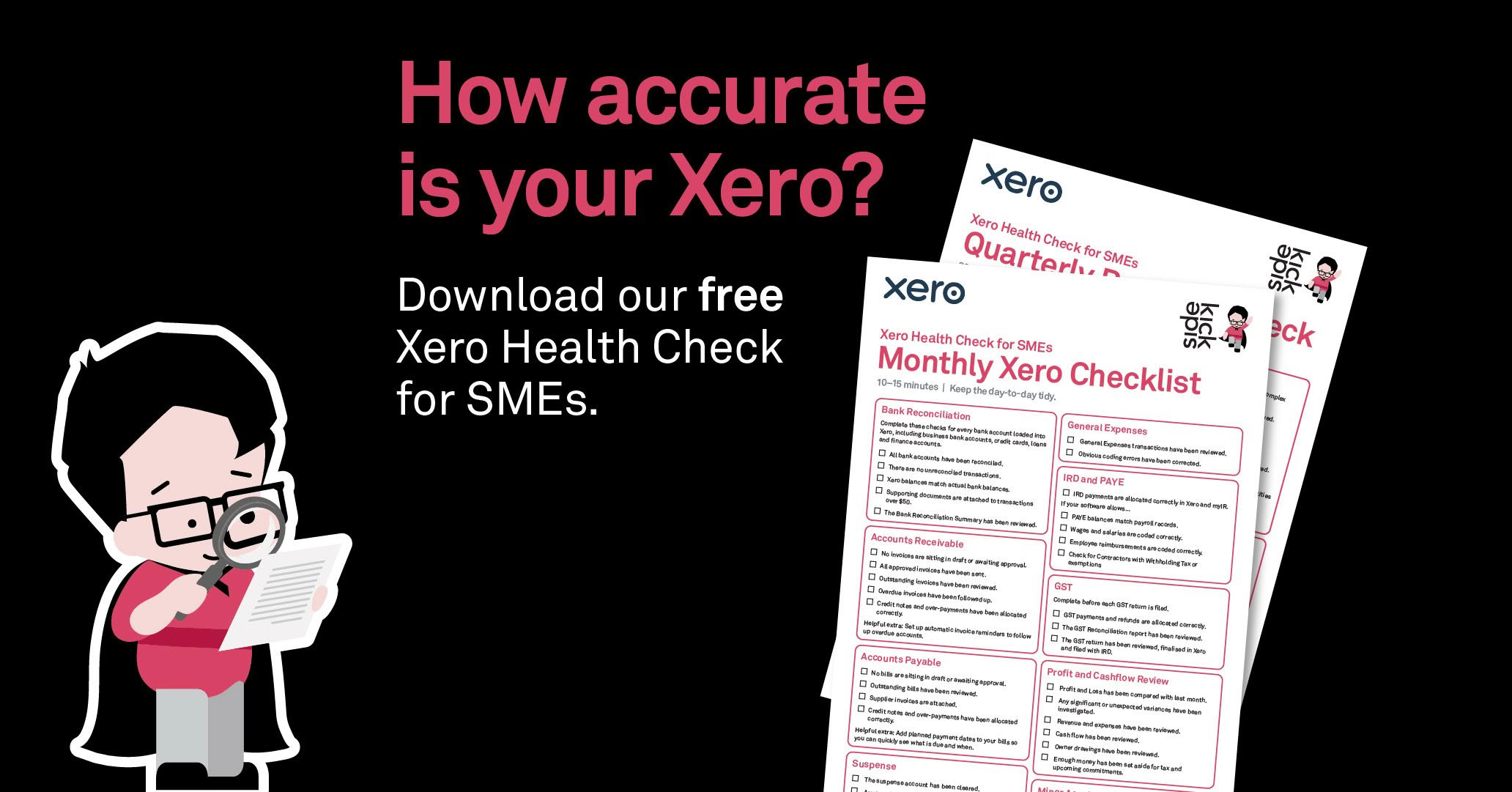
Small, consistent checks make the biggest difference. That’s why we’ve created our free Xero Health Checklist.
It’s a practical checklist that helps you:
- Keep your Xero file accurate and organised
- Catch common issues before they become expensive problems
- Stay on top of GST, reconciliations and cashflow
- Understand what your reports are really telling you
- Feel more confident making business decisions
We’ve even separated the checklist into monthly tasks and quarterly reviews, so you’re only focusing on what actually needs your attention.
Better data. Better decisions.
Your accounting software doesn’t exist solely for compliance. It also helps you understand your business. So, when your data’s accurate, you can identify trends earlier, make smarter decisions and have more meaningful conversations with your accountant, your shareholders, and your bank.
Accurate data helps move your business forward.
Not sure where to start?
If you’re working through the checklist and something doesn’t look right, don’t ignore it. Sometimes a fresh set of eyes can identify issues that have been sitting unnoticed for months. Sidekick can help you get everything back on track.
Download the Free Xero Health Checklist
Take 15 minutes each month, a little longer each quarter, and give yourself confidence that your Xero is working for you, not against you.